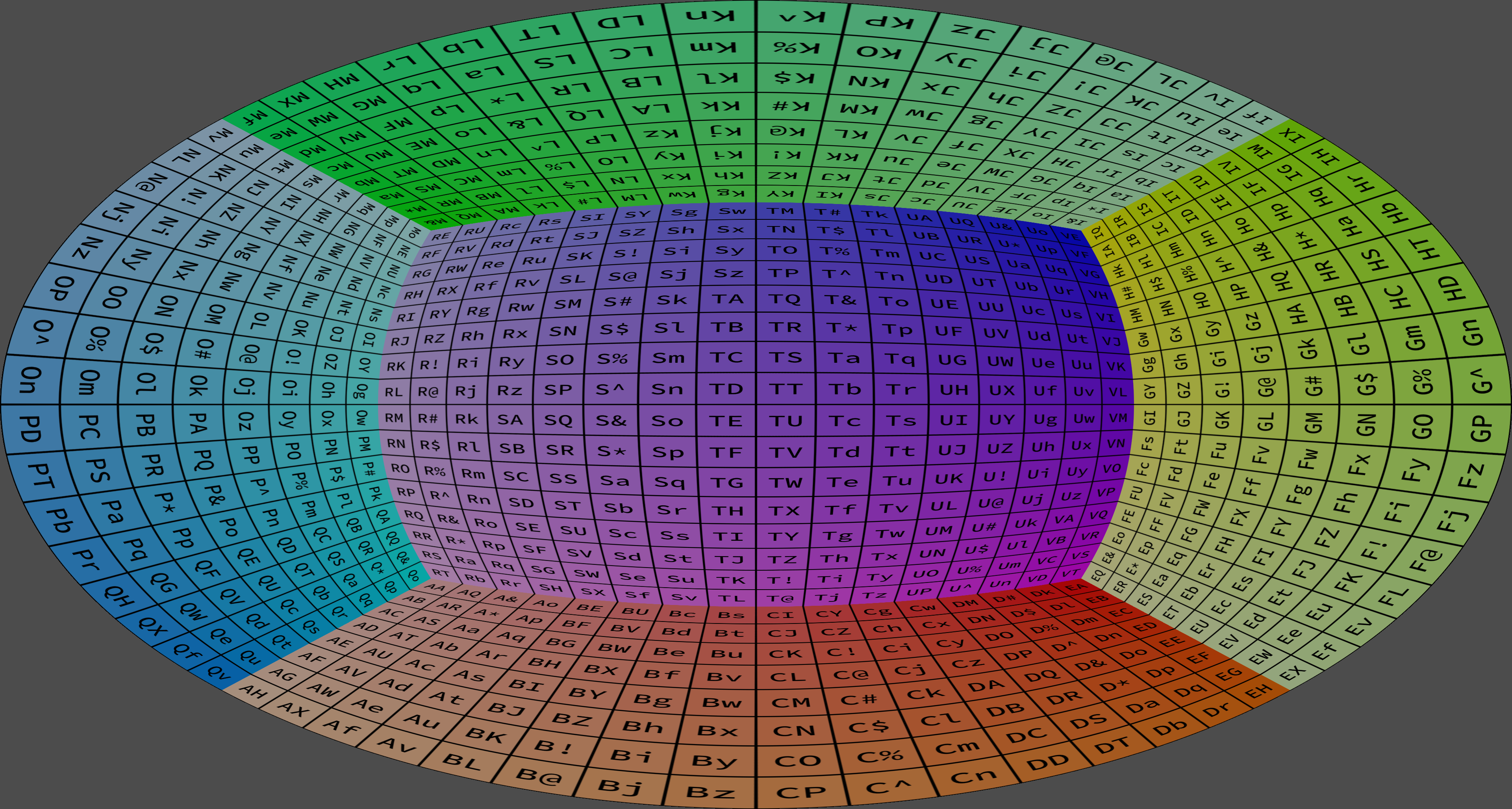
Spherical Mirror Projection#
Used to create a projection used for Paul Bourke’s spherical mirror setup (see here), which makes it possible to use an off-the-shelf projector to create a planetarium-like environment by bouncing the image of a shiny metal mirror. Please note that this is not the only way to produce these kind of images. Depending on your setup and availability of warping meshes, it might suffice to use the FisheyeProjection node type instead and add a single mesh to the parent Viewport instead. The config folder in SGCT contains an example of this using a default 16x9 warping mesh. This projection type specifically deals with the case where you have four different meshes, one for the bottom, top, left, and right parts of the distorted image.
type
string = “SphericalMirrorProjection”Defines the type of this projection.
geometry
objectDescribes the warping meshes used for the spherical mirror projection. All four warping meshes have to be present.
bottom
stringThe path to the warping mesh that is loaded for the bottom part of the spherical mirror projection.
left
stringThe path to the warping mesh that is loaded for the bottom part of the spherical mirror projection.
right
stringThe path to the warping mesh that is loaded for the bottom part of the spherical mirror projection.
top
stringThe path to the warping mesh that is loaded for the bottom part of the spherical mirror projection.
quality(optional)
low, 256, medium, 512, high, 1k, 1024, 1.5k, 1536, 2k, 2048, 4k, 4096, 8k, 8192, 16k, 16384, 32k, 32768, 64k, 65536Determines the pixel resolution of the cube map faces that are individually rendered to create the cylindrical rendering. The higher resolution these cube map faces have, the better quality the resulting cylindrical rendering, but this comes at the expense of increased rendering times. The named values are corresponding:
low: 256medium: 512 (the default)high: 10241k: 10241.5k: 15362k: 20484k: 40968k: 819216k: 16384
tilt(optional)
numberDetermines the tilt of the “up vector” of the spherical mirror projection. With a tilt of 0, the center of the spherical mirror image is the apex of the half-sphere that is used to reproject the cube map. The default value is 0.
background(optional)
colorThis value determines the color that is used for the parts of the image that are not covered by the spherical mirror image. The alpha component of this color has to be provided even if the final render target does not contain an alpha channel, in which case the alpha value is ignored. All attributes r, g, b, and a must be defined and be between 0 and 1. The default color is a dark gray (0.3, 0.3, 0.3, 1.0).
Example#
{
  "version": 1,
  "masteraddress": "localhost",
  "nodes": [
    {
      "address": "localhost",
      "port": 20400,
      "windows": [
        {
          "pos": { "x": 50, "y": 50 },
          "size": { "x": 1280, "y": 720 },
          "viewports": [
            {
              "pos": { "x": 0.0, "y": 0.0 },
              "size": { "x": 1.0, "y": 1.0 },
              "mesh": "mesh/standard_16x9.data",
              "projection": {
                "type": "FisheyeProjection",
                "fov": 180.0,
                "quality": "2k"
              }
            }
          ]
        }
      ]
    }
  ],
  "users": [
    {
      "eyeseparation": 0.06,
      "pos": { "x": 0.0, "y": 0.0, "z": 0.0 }
    }
  ]
}