Examples#
This section contains a number of example SGCT files showing off some of the capabilities of SGCT. Check the config folder in SGCT for more examples. Each example has a small description, the configuration file, and an image from the Calibrator application using that configuration file. These examples are meant both as working example files that can be used, but also as an inspiration to create custom configuration files.
Single Node#
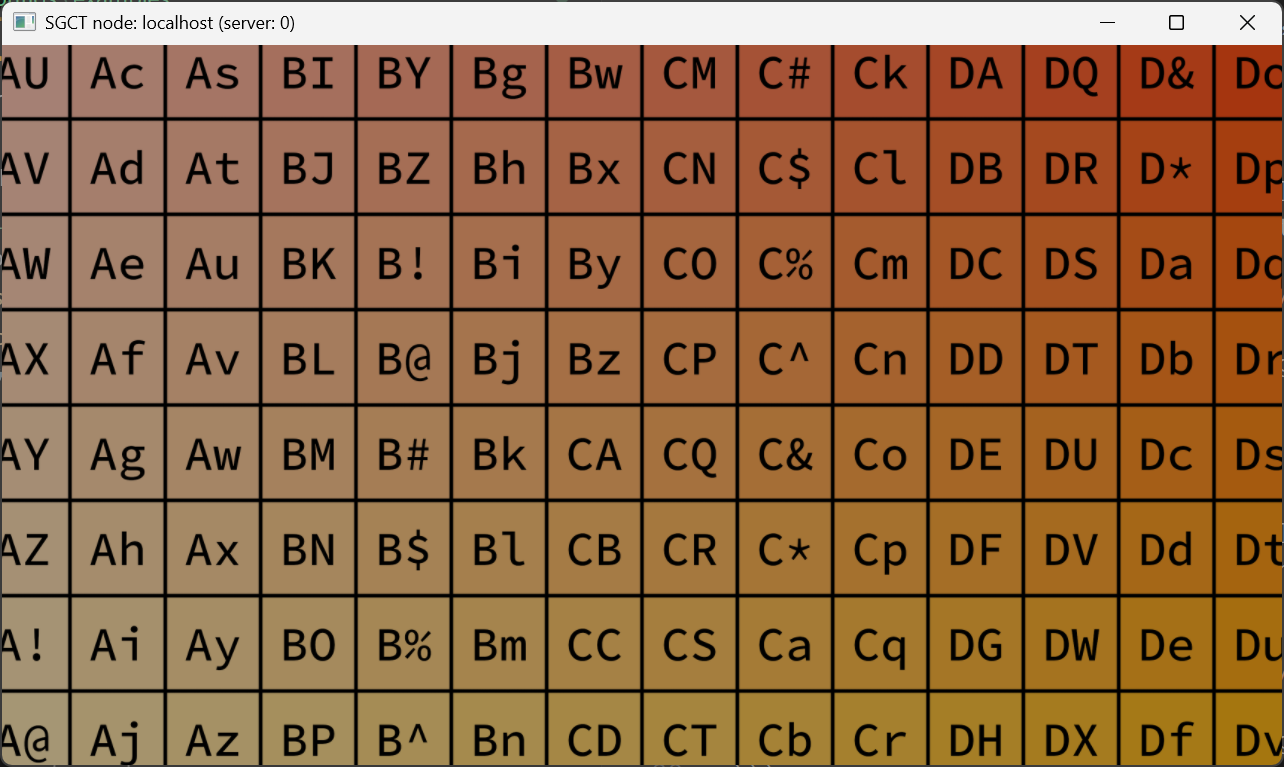
Here is a minimal example of a single node, single window configuration. This file creates a single node on localhost with a single window that has a size of 1280 by 720 pixels with a camera of 80 degrees horizontal field-of-view and approximately 50.5 degrees vertical field of view.
{
  "version": 1,
  "masteraddress": "localhost",
  "nodes": [
    {
      "address": "localhost",
      "port": 20400,
      "windows": [
        {
          "size": { "x": 1280, "y": 720 },
          "viewports": [
            {
              "projection": {
                "type": "PlanarProjection",
                "fov": {
                  "hfov": 80.0,
                  "vfov": 50.534015846724
                }
              }
            }
          ]
        }
      ]
    }
  ],
  "users": [
    {
      "eyeseparation": 0.065,
      "pos": { "x": 0.0, "y": 0.0, "z": 0.0 }
    }
  ]
}
High-resolution#
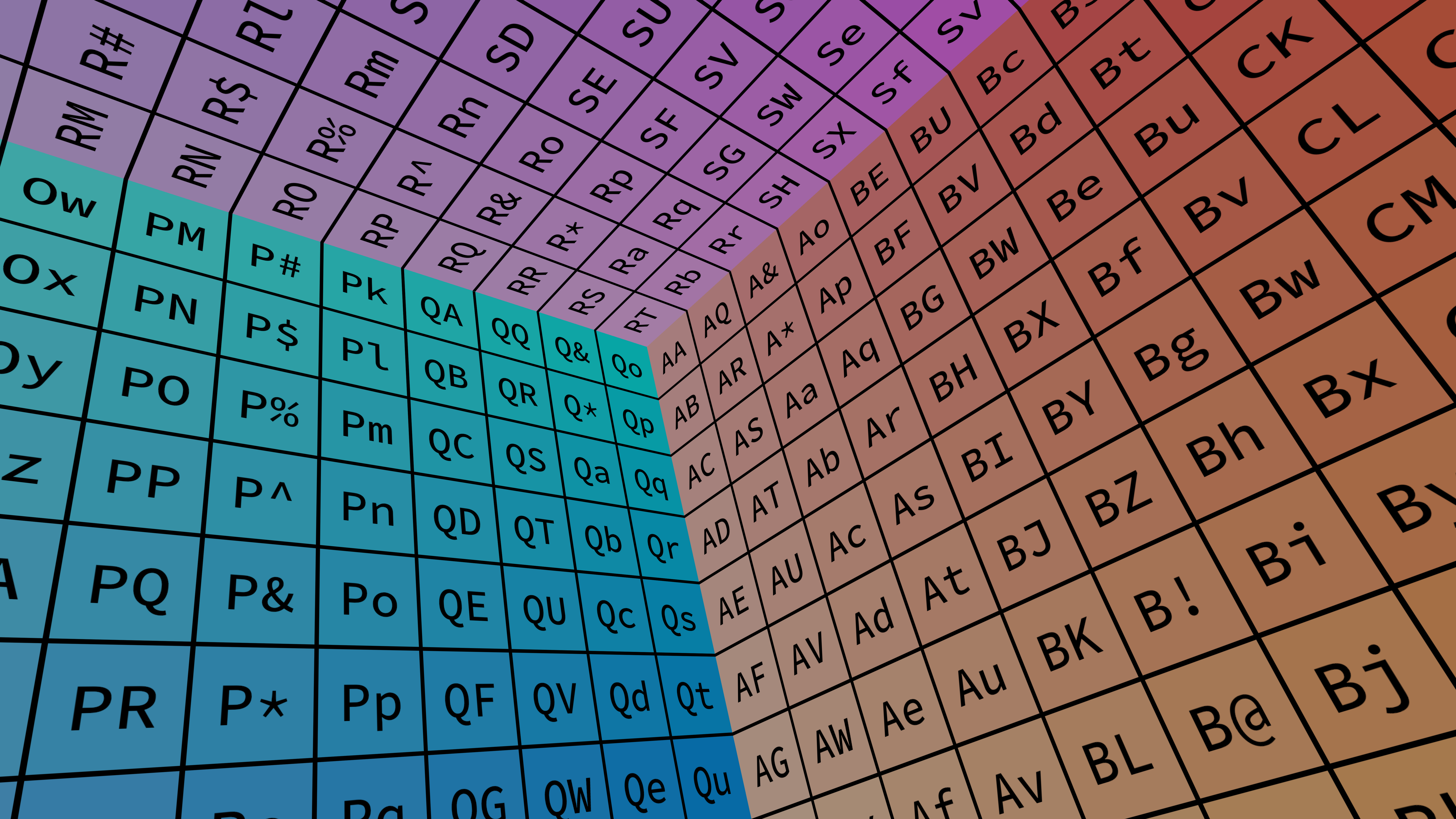
This example creates a window of full HD size (1920x1080) but the rendering is actually happening at 8K resolution (7680x4320). While this would not be useful under normal circumstances, native screenshots that are taking from this configuration file will be at the actual rendering resolution even if the screen would not support such high resolutions normally.
{
  "version": 1,
  "masteraddress": "localhost",
  "nodes": [
    {
      "address": "localhost",
      "port": 20400,
      "windows": [
        {
          "size": { "x": 1920, "y": 1080 },
          "res": { "x": 7680, "y": 4320 },
          "viewports": [
            {
              "projection": {
                "type": "PlanarProjection",
                "fov": {
                  "hfov": 80.0,
                  "vfov": 50.534015846724
                },
                "orientation": {
                  "yaw": -40,
                  "pitch": 30,
                  "roll": 15
                }
              }
            }
          ]
        }
      ]
    }
  ],
  "users": [
    {
      "eyeseparation": 0.065,
      "pos": { "x": 0.0, "y": 0.0, "z": 0.0 }
    }
  ]
}
Two Nodes#
The following example is a configuration that creates two nodes, both running on the local machine, the difference being that their field-of-views are rotated by 40 degrees off the center. This type of setup is useful when driving two or more projectors from a single computer. Instead of calculating the field-of-view settings, it is also possible to use the ProjectionPlane that takes coordinates to the screen coordinates, which are easier to measure in the real world.
{
  "version": 1,
  "masteraddress": "localhost",
  "nodes": [
    {
      "address": "localhost",
      "port": 20400,
      "windows": [
        {
          "size": { "x": 1280, "y": 720 },
          "viewports": [
            {
              "projection": {
                "type": "PlanarProjection",
                "fov": {
                  "hfov": 80.0,
                  "vfov": 50.534015846724
                },
                "orientation": { "yaw": 20.0, "pitch": 0.0, "roll": 0.0 }
              }
            }
          ]
        }
      ]
    },
    {
      "address": "localhost",
      "port": 20401,
      "windows": [
        {
          "size": { "x": 1280, "y": 720 },
          "viewports": [
            {
              "projection": {
                "type": "PlanarProjection",
                "fov": {
                  "hfov": 80.0,
                  "vfov": 50.534015846724
                },
                "orientation": { "yaw": -20.0, "pitch": 0.0, "roll": 0.0 }
              }
            }
          ]
        }
      ]
    }
  ],
  "users": [
    {
      "eyeseparation": 0.065,
      "pos": { "x": 0.0, "y": 0.0, "z": 0.0 }
    }
  ]
}
Two Windows#
This example is a variant on the Two Nodes example above. Instead of starting the application twice with one window each, this configuration file is using one instance that renders into two windows instead.
{
  "version": 1,
  "masteraddress": "localhost",
  "nodes": [
    {
      "address": "localhost",
      "port": 20400,
      "windows": [
        {
          "size": { "x": 1280, "y": 720 },
          "viewports": [
            {
              "projection": {
                "type": "PlanarProjection",
                "fov": {
                  "hfov": 80.0,
                  "vfov": 50.534015846724
                },
                "orientation": { "yaw": 20.0, "pitch": 0.0, "roll": 0.0 }
              }
            }
          ]
        },
        {
          "size": { "x": 1280, "y": 720 },
          "viewports": [
            {
              "projection": {
                "type": "PlanarProjection",
                "fov": {
                  "hfov": 80.0,
                  "vfov": 50.534015846724
                },
                "orientation": { "yaw": -20.0, "pitch": 0.0, "roll": 0.0 }
              }
            }
          ]
        }
      ]
    }
  ],
  "users": [
    {
      "eyeseparation": 0.065,
      "pos": { "x": 0.0, "y": 0.0, "z": 0.0 }
    }
  ]
}

Fisheye#
This example is a fisheye rendering which demonstrates a more sophisticated rendering setup, which internally consists of many projections that are automatically assembled by SGCT into a single circular fisheye output.
{
  "version": 1,
  "masteraddress": "localhost",
  "nodes": [
    {
      "address": "localhost",
      "port": 20400,
      "windows": [
        {
          "size": { "x": 1024, "y": 1024 },
          "viewports": [
            {
              "projection": {
                "type": "FisheyeProjection",
                "fov": 180.0
              }
            }
          ]
        }
      ]
    }
  ],
  "users": [
    {
      "eyeseparation": 0.06,
      "pos": { "x": 0.0, "y": 0.0, "z": 0.0 }
    }
  ]
}

Fisheye Presentation#
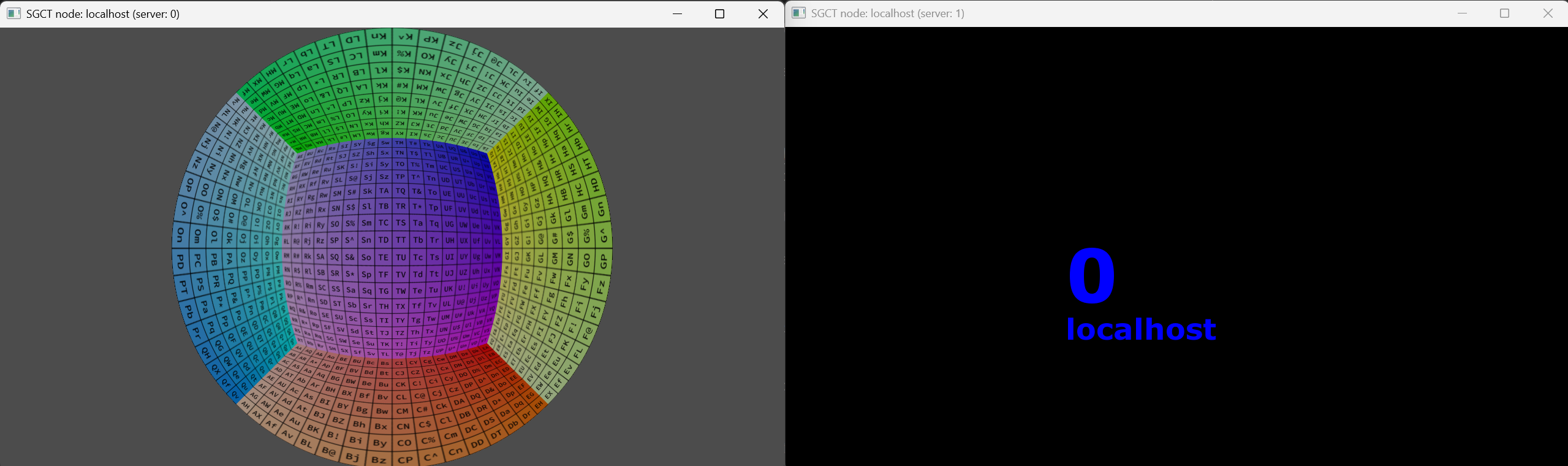
This example creates two windows with different projection methods. The first window contains a fisheye rendering without any 2D UI graphics elements and the second contains only 2D elements. This type of setup is useful in cases where a presenter wants to show the rendered image to the audience, but does not want the user interface to show up.
{
  "version": 1,
  "masteraddress": "localhost",
  "nodes": [
    {
      "address": "localhost",
      "port": 20400,
      "windows": [
        {
          "draw2d": false,
          "size": { "x": 1280, "y": 720 },
          "viewports": [
            {
              "projection": {
                "type": "FisheyeProjection",
                "fov": 180.0
              }
            }
          ]
        },
        {
          "draw3d": false,
          "size": { "x": 1280, "y": 720 },
          "viewports": [
            {
              "projection": {
                "type": "PlanarProjection",
                "fov": {
                  "hfov": 80.0,
                  "vfov": 50.534015846724
                },
                "orientation": { "yaw": -20.0, "pitch": 0.0, "roll": 0.0 }
              }
            }
          ]
        }
      ]
    }
  ],
  "users": [
    {
      "eyeseparation": 0.065,
      "pos": { "x": 0.0, "y": 0.0, "z": 0.0 }
    }
  ]
}
Anaglyph Stereo#
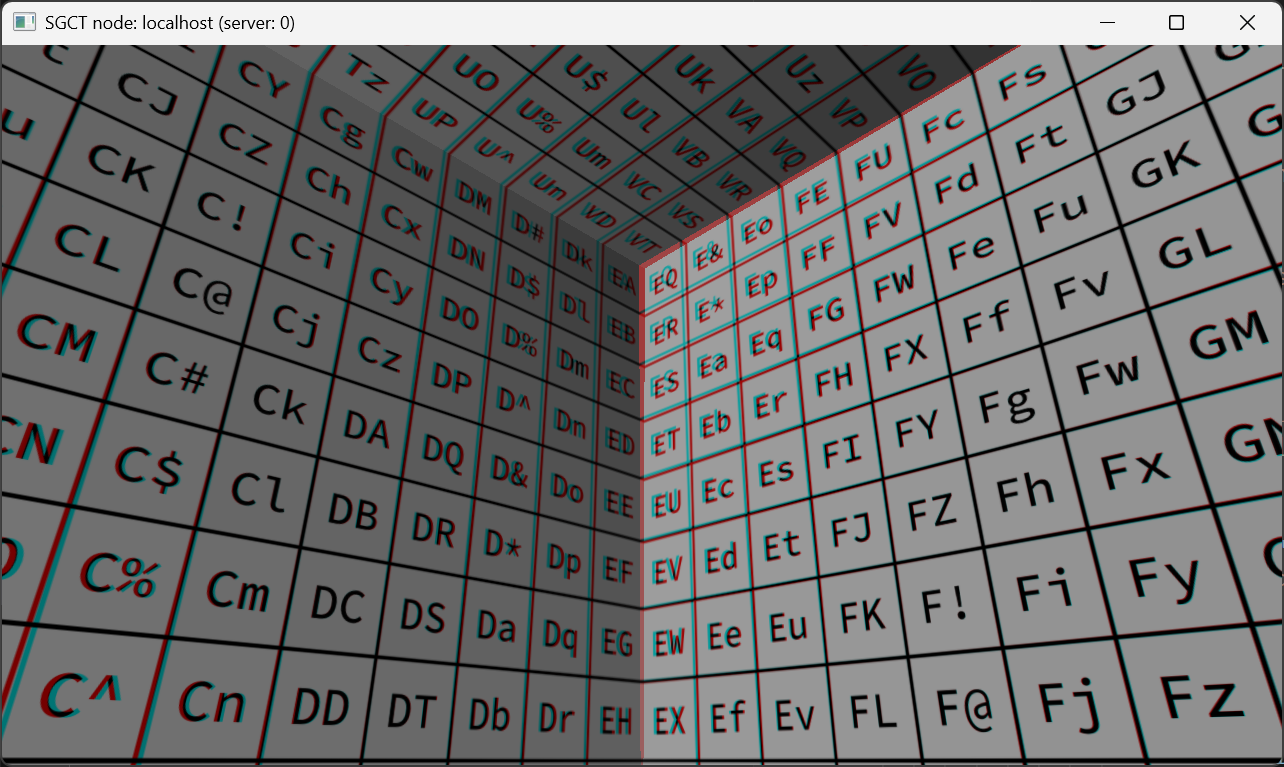
This example is rendering a stereo image of a flat projection using red-cyan anaglyph color mode. See Stereo for other stereo options.
{
  "version": 1,
  "masteraddress": "localhost",
  "nodes": [
    {
      "address": "localhost",
      "port": 20400,
      "windows": [
        {
          "stereo": "anaglyph_red_cyan",
          "size": { "x": 1280, "y": 720 },
          "viewports": [
            {
              "projection": {
                "type": "PlanarProjection",
                "fov": {
                  "hfov": 80.0,
                  "vfov": 50.534015846724
                },
                "orientation": {
                  "yaw": 45.0,
                  "pitch": 25.0,
                  "roll": 0.0
                }
              }
            }
          ]
        }
      ]
    }
  ],
  "users": [
    {
      "eyeseparation": 0.25,
      "pos": { "x": 0.0, "y": 0.0, "z": 0.0 }
    }
  ]
}
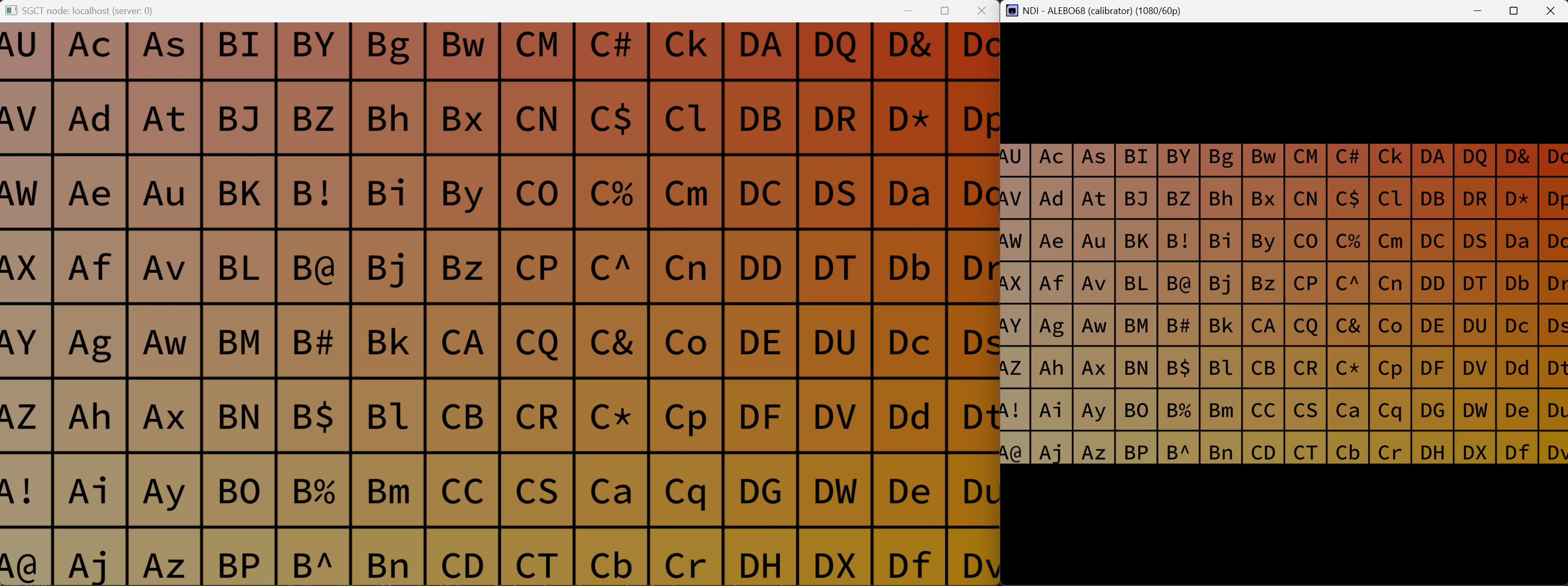
NDI Sharing#
This example is sharing an equirectangular projection using the NDI protocol.
{
  "version": 1,
  "masteraddress": "localhost",
  "nodes": [
    {
      "address": "localhost",
      "port": 20400,
      "windows": [
        {
          "ndi": {
            "enabled": true
          },
          "size": { "x": 1920, "y": 1080 },
          "viewports": [
            {
              "projection": {
                "type": "PlanarProjection",
                "fov": {
                  "hfov": 80.0,
                  "vfov": 50.534015846724
                }
              }
            }
          ]
        }
      ]
    }
  ],
  "users": [
    {
      "eyeseparation": 0.065,
      "pos": { "x": 0.0, "y": 0.0, "z": 0.0 }
    }
  ]
}
Cubemap NDI Sharing#
This example is sharing all six sides of a cubemap using the NDI protocol so that it can be ingested by another application.
{
  "version": 1,
  "masteraddress": "localhost",
  "nodes": [
    {
      "address": "localhost",
      "port": 20400,
      "windows": [
        {

          "size": { "x": 1920, "y": 1080 },
          "viewports": [
            {
              "projection": {
                "type": "CubemapProjection",
                "quality": "2k",
                "ndi": {
                  "enabled": true
                }
              }
            }
          ]
        }
      ]
    }
  ],
  "users": [
    {
      "eyeseparation": 0.065,
      "pos": { "x": 0.0, "y": 0.0, "z": 0.0 }
    }
  ]
}
